
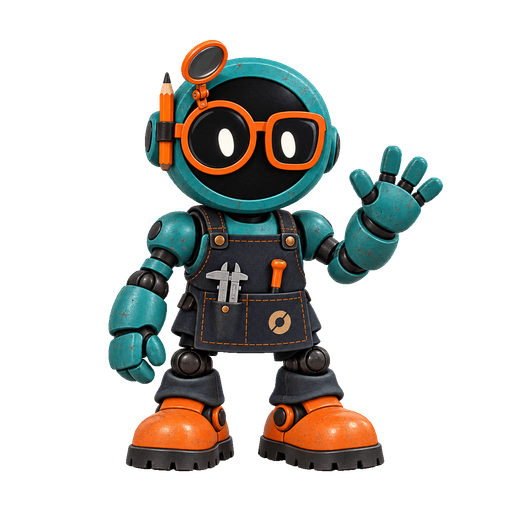
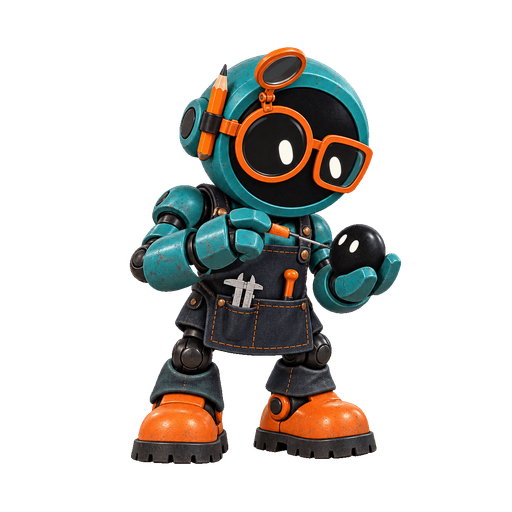

ChatGPT dots
Also called OpenAI dots, dots in ChatGPT.
In plain English
Dots are OpenAI's always-on agentsAn always-on agent is an AI agent that keeps working for you when you are not in the chat, and can message you with progress or a decision it needs. in ChatGPT. Each dot has its own computer and browser in the cloud, remembers contextContext is the information available to an AI model for a particular response, including instructions, conversation, supplied material, and tool results., connects to apps, and messages you with progress.
Example
You give a dot a weekly reading roundup to prepare from sources you chose, and set a rule that it asks before sending anything to anyone else.
Why it matters
OpenAI's announcement, dated September 29, 2026, says rules decide what a dot may do: act without asking, act if pre-approved, ask first, or hand the step to you. Dots can also run scheduled tasksIn Grok Bot, a routine tells one Bot when to run a workflow: on a schedule or, where supported, after an event. A test of a routine does real work.. Pause stops the dot’s current main task. Stop delegated work separately in Activity and disable future runs in Scheduled. To remove a dot, use Delete, save any results you need, and read the confirmation for what will be deleted; deletion cannot be undone.
OpenAI's help center says a dot is created on the desktop app or desktop web, and that disconnecting an app does not delete information a dot already obtained. Availability is rolling out by plan and region, so check OpenAI's pages for your account.
Grok BotGrok Bot is xAI’s product for named AI teammates that carry out tasks with tools and a persistent cloud computer shared by the Bots on one account. is the comparable xAI product: named Bots that share one cloud computerIn Grok Bot, every Bot on an account uses the same cloud computer. Files, browser sessions, and command-line credentials on it are shared. per account, rather than one computer per dot.
Common confusion
A dot is an assistant inside ChatGPT, not the name of a model. Always-on does not mean unrestricted. OpenAI also notes that dots can still make mistakes.
Sources
Updated October 1, 2026.