

GuideGrok Bot
One inbox, many doors: plus-alias email routines after 0.75.5
TL;DR
- Give your bot one email address and hand out a tagged version (name+tag@) for each kind of mail.
- Make tags for jobs (receipts, shipping, travel), not for senders, and put one short routine on each tag.
- Per the Oct 14 changelog, a tag routine "runs only for its mail", so a quiet tag costs nothing.
- Routine sends still wait as drafts after the Oct 23 change. Keep it that way until you trust the routine.
- Email on Grok Bot changed fast in late October. One respected reviewer said it "doesn't really work" the day before routines could read inboxes.
1. Who's right?
Two posts went up on Oct 21 (US time) that seem to disagree. In an updated review of personal agents, @petergyang listed real strengths for Grok Bot but said its email feature "doesn't really work".
doesn't really work
The same day, @thecsguy published a setup guide built entirely on bot email: "one grok bot inbox, a +tag for every job, a routine per tag".
one grok bot inbox, a +tag for every job, a routine per tag
Both can be true for the people writing them. Email features changed several times in the two weeks around those posts, and how well email works depends a lot on what you ask it to do. This guide sets out what's shipped, according to the Official changelog, and then walks through the tag-per-job pattern step by step.
2. What shipped
Here's the timeline from the Grok Bot changelog. [1]
- Sep 30. Email and Slack draft cards offer "Disable drafts for this Bot", so that bot sends directly. You can ask the bot to turn drafts back on.
- Oct 11, v0.70.2. Bots "can claim their own email address and receive mail there, and email they send from it waits for your approval on a draft card."
- Oct 14, v0.71.2. Bots "can send from a tagged form of their email address, like name+shop@, and a routine on that tag runs only for its mail." The same release says that after you choose Disable drafts, a bot sends from its own address right away, and that links in a bot's inbox keep their web addresses so it can open verification and sign-in links.
- Oct 22, v0.75.2. "Routines can read the Bot's inboxes." Also: "The first email a Bot sends to someone new includes a one-click unsubscribe link."
- Oct 23, v0.75.5. Bots "can forward an email from their own inbox with its original formatting, images, and attachments." And a change to drafts: emails you ask a bot to send "go out once Auto-review allows them, while sends on routine and other turns still wait as drafts."
@ericzakariasson posted the release notes for both recent versions on X:
Put together: a bot can have its own address, hand out tagged versions of it, run a routine per tag that only wakes for that tag's mail, read its own inbox from a routine, and forward what matters to you intact.
3. One tag per job, not per store
@thecsguy's setup uses tags like +receipts, +shipping, +travel, and +reading. The design choice that makes it work is that tags describe jobs, not senders. You don't make a tag for every store. You make one tag for receipts and give that address to every store.
Why it matters:
- Fewer routines. Five jobs means five routines, however many senders you have.
- Quiet by default. Per the v0.71.2 entry, a routine on a tag "runs only for its mail." If nothing arrives at +travel this month, the travel routine doesn't run this month. That's the same cost logic as The Grok Bot Bill: mail that matches no tag wakes nothing.
- Clear instructions. Each routine handles one kind of mail, so its instructions can be short and specific.

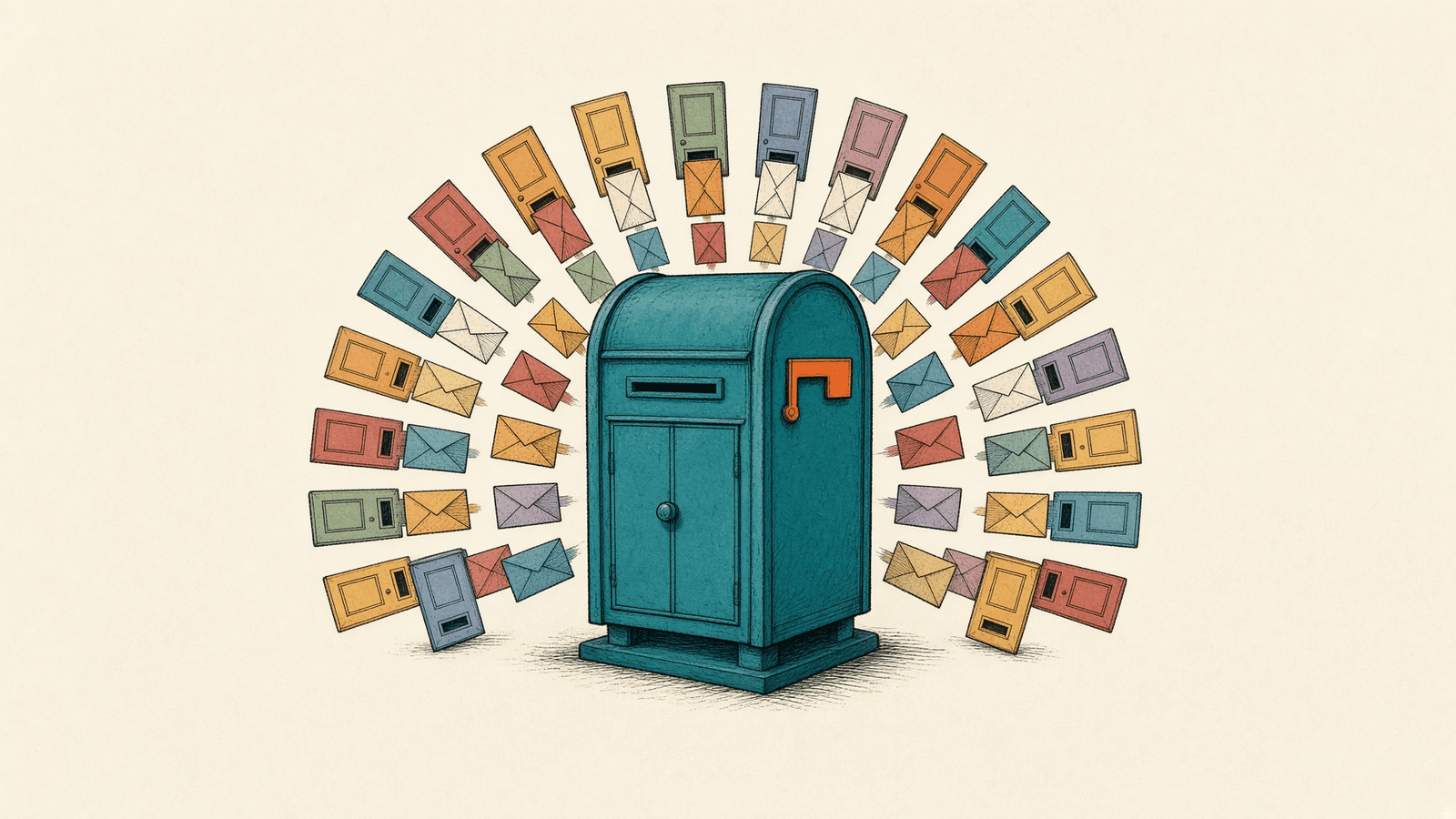
Figure explanation: One made-up address, homebot@example.com, opens into four job tags: receipts, shipping, travel, and reading. Each tag has its own short routine, and that routine runs only for mail to its tag. A tag with no mail does not wake. The diagram uses the teaching address from this guide, not a real inbox.
4. Setup walkthrough
The examples below use a made-up address, homebot@example.com. Your bot's real address will look different. Don't paste real inbox addresses or any keys into a routine you plan to share.
Step 1: Claim the address
Ask your bot to claim its own email address. Once it has one, Email and Plugins show it as Connected.
Step 2: Pick your jobs
Write down three to five kinds of mail you want handled. A starting set:
| Tag | Example address | Job |
|---|---|---|
| +receipts | homebot+receipts@example.com | Log the store, date, total, and order number to a file. |
| +shipping | homebot+shipping@example.com | Track what's on the way; tell me only when something is delayed or delivered. |
| +travel | homebot+travel@example.com | Pull confirmation numbers and times into my trip notes. |
| +reading | homebot+reading@example.com | Save newsletters to a weekly digest; never reply. |
Step 3: Hand out the tags
Use each tagged address wherever that kind of mail comes from: checkout forms for +receipts, airline and hotel bookings for +travel, newsletter sign-ups for +reading.
Step 4: One routine per tag
Ask your bot to create a routine on each tag. Keep the instructions short, and say what not to do. An example in Botski's own words:
When mail arrives at +shipping, update the shipping file. Message me only if a delivery date changes or a package is delivered. Don't reply to the sender.Step 5: Keep drafts on until you trust it
As of v0.75.5, sends on routine turns still wait as drafts. [1] Leave it that way at first. Watch what each routine wants to send for a week or two. Only consider Disable drafts for a bot whose outgoing mail is narrow and predictable, like a note to yourself.
Step 6: Forward, don't summarize, when it matters
Since v0.75.5, a bot can forward mail with its original formatting and attachments. For anything you might need as a record, such as a receipt for a return or a boarding pass, ask the routine to forward the original to you rather than retyping it.
Where the feature was announced. The Official @bot account posted on Oct 16: "Grok Bot's email now supports plus aliases, so you can set a routine to run only on mail sent to one address." [2] The v0.71.2 changelog entry is the release note for the tag feature.
5. Real use: a household run from a phone
@ducksays described how "i basically run a family office out of my phone" with a chief-of-staff bot: "i tell it anything and it hands it to the right one", with role bots such as a CFO behind it, and added, "i still make every call and press every button".
i basically run a family office out of my phone
Tags fit that model well. The chief-of-staff bot can own the address, and each tag can route a kind of mail toward the bot whose seat it belongs to. For how to set up those seats and handoffs, see Build a bot team that actually ships.
6. Where it still breaks
@petergyang's critique deserves to be taken on its own terms: the email feature "doesn't really work". The post doesn't say what failed, so we won't guess.
The dates are worth noting, and only the dates. The review went up on Oct 21. "Routines can read the Bot's inboxes" shipped on Oct 22 (v0.75.2), and forwarding shipped on Oct 23 (v0.75.5). We don't know whether those changes address what the reviewer ran into, and we're not claiming they do. If you try this setup and it doesn't work for you, that's useful information. Note which step failed.
Some limits are in the design, not bugs:
- Sends from routines wait as drafts unless you disable drafts, so a routine won't silently email anyone by default.
- A tag routine only sees mail sent to its tag. Mail sent to the plain address won't wake it.
- A new recipient's first email includes a one-click unsubscribe link, so don't use a bot address for mail you need someone to be unable to opt out of.
7. Tradeoffs and caveats
- One address, many uses. Every tagged address still delivers to the same inbox. If the address leaks or gets spammed, every tag gets the mail. Anyone who has a tagged address can also guess the plain one.
- Some sites reject plus addresses. A few sign-up forms refuse the + sign. Use the plain address there and sort by sender instead.
- Forwarding sends copies. A forwarded receipt or boarding pass now exists in two inboxes. Forward only what you need.
- Drafts are a safety net, not a filter. They stop a routine from sending on its own. They don't stop it from reading mail it shouldn't act on, so keep each routine's instructions narrow.
- The shared computer. Files a routine writes (a receipts log, trip notes) sit on the computer all your bots share.
8. What this means for you: an Inbox Router pattern
The pattern here is simple enough to package: one claimed address, four or five job tags, one short routine per tag, drafts on. We're considering an Inbox Router template for the Botski directory built on exactly that. It isn't published yet.
And if you remember one thing from this guide, make it the cost logic from The Grok Bot Bill: a tag routine that gets no mail doesn't run. An inbox with many doors only costs you when someone walks through one.
Credits
Checked Oct 24, 2026. Community posts are the writers' own reports, quoted where the words are theirs.
- Grok Bot changelog (Sep 30 entry; v0.70.2, Oct 11; v0.71.2, Oct 14; v0.75.2, Oct 22; v0.75.5, Oct 23)
- @bot on plus aliases, Oct 16, 2026
- @petergyang
- @thecsguy
- @ericzakariasson
- @ducksays
Start from a template
People share Grok Bots you can add and then change to fit your job. Each template opens on x.ai. bot.ski never installs anything.