
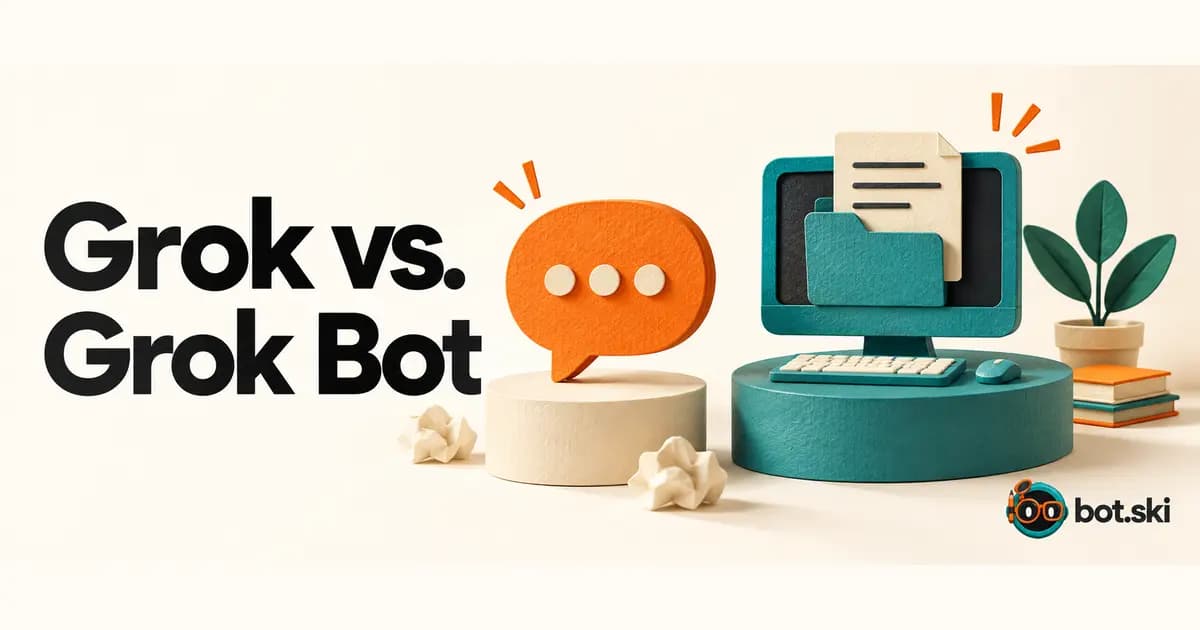
No. Grok is SpaceXSI's chat assistant; Grok Bot is a named teammate with a persistent cloud computer.
This note walks through the public docs so a chat answer and finished work stay easy to tell apart.
The first beginner mistake
If you already talk to Grok in a chat window, it is easy to treat Grok Bot as the same product with a longer name. Official pages describe a different setup.
The FAQ asks how Grok Bot differs from an AI assistant. The answer is not “smarter replies.” Bots can use a persistent cloud computer, connected tools, websites, and files to complete work — not only answer questions. They can keep going in the background, keep role-specific context, and work with other Bots.
The overview says the same thing in product language: each Bot is a teammate you keep around, with a name, a job, and context that builds over time. Work should finish in your real tools instead of stopping as a chat draft.
Treat the Bot like a smarter text box and you will only get more text. Hand it a real job with a finish line, and official pages expect it to use the computer.
A named teammate with a computer
Grok Bot 101 puts it in one sentence: Grok Bot is an agent with a computer. Talking to it can feel like texting a colleague, except that colleague has a real, persistent desktop. It can use apps, browse the web, and write and run code.
That computer lives in the cloud. It has a desktop, files, a terminal, and apps. Closing your laptop does not stop the work. If you click the Bot’s window, you can use that machine like a remote desktop.
Official docs also say context compounds. A named Bot keeps memory, files, browser sessions, and preferences across sessions instead of resetting on every task. That is why the name and the job matter. You are not opening a blank chat. You are returning to a teammate that already has a desk.
You still message it — then it goes do the work
You work with a Bot by messaging it. Give it the task, the relevant context, and access to the tools it needs. The overview says it can take on multi-step work across apps and websites, keep you updated in the conversation, and come back when something needs your approval.
Grok Bot 101 lists three ways to talk to a Bot: send a chat message, set a routine or trigger, or let Bots talk to each other. Chat is the start, not the whole product.
A good first handoff, in official language, is a real task that spans a few tools and has a clear finish line. Say what to gather, where to look, what “done” looks like, and what must wait for you.
If you want a first job written down before you open the official app, use Plan your bot on Learn. The cited official pages stay at the overview, the FAQ, and Grok Bot 101.